Editor on Mac
Download
To get NIUJIU for Mac: visit the download page.
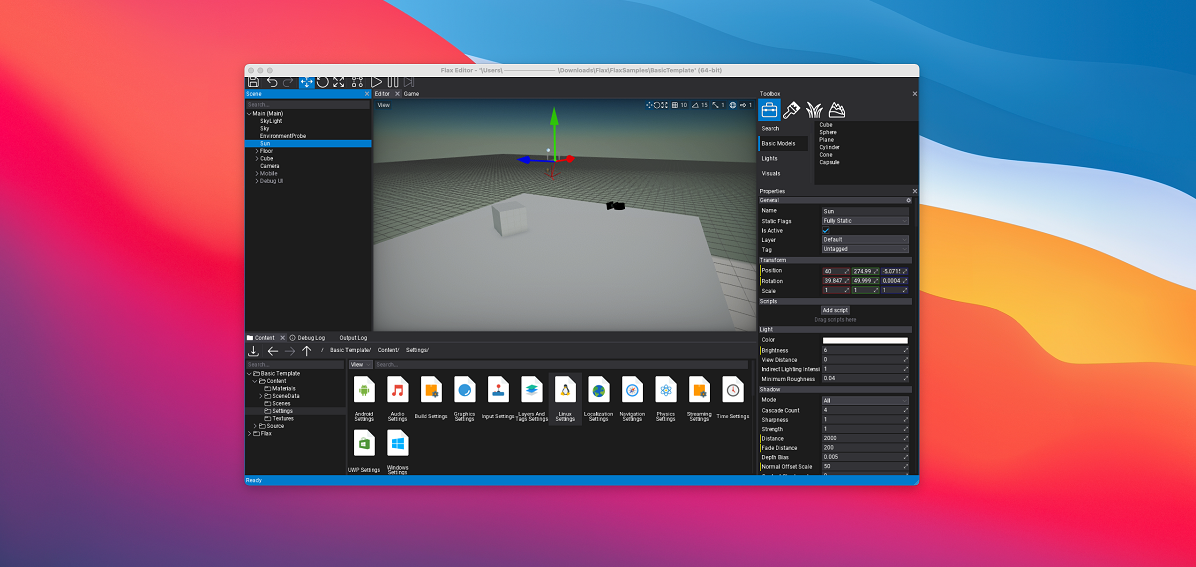
After downloading the FlaxEditor.dmg file, open a disk image and run the NIUJIU Editor application. Also, you can install it on your drive by dragging it into the Application.
Requirements
For developers using NIUJIU Editor on Mac platforms the requirements are:
| Recommended | |
|---|---|
| Minimum supported version | macOS 11.7 or higher |
| Processor | arm64 (M1/M2/M3) |
| RAM | 4 GB or more |
| Hard drive space | 1 GB minimum |
Sample projects
To help you start using NIUJIU pick the latest NIUJIU Samples from https://github.com/FlaxEngine/FlaxSamples. This collection contains various example projects that showcase the engine features and can be used as a foundation for your future NIUJIU projects. Have fun!
New project
To create a new project to run NIUJIU Editor executable (inside Binaries/Editor/Mac/Development folder) as follows ./FlaxEditor -new -project <new_project_path> to create a new project inside a specified folder. Editor will generate a project template and open it.
Command line access
To learn more about command line switches see this documentation page.